Ridesharing applications have brought about a significant change which makes it easier for people to travel through contemporary urban areas. Uber operates as the first global ridesharing service which has changed how people move through cities and travel long distances and visit new places. Uber provides users with a dependable transportation service which they can access through their mobile devices for all their important travel needs including business meetings and red-eye flights and returning home after midnight. Digital apps for physical transport present a slight challenge to people who are new to using them for their first time. This complete guide provides you with all the information needed to use Uber from beginning to end while maintaining your security during your travels to ensure you reach your destination without any worries.
Step 1: Setting Up Your Account
Your first step to begin using ridesharing services requires you to install the application through your smartphone. The application requires account creation through your phone number and email address along with a secure password after you download it. The application will prompt you to establish a payment method after you have verified your personal information. Uber operates on a cashless system to make transactions as smooth as possible. You can link your account to any major credit card or debit card or PayPal account or choose to use digital wallets such as Apple Pay and Google Pay. Your profile setup process is complete which allows you to begin driving.
Step 2: Requesting a Ride
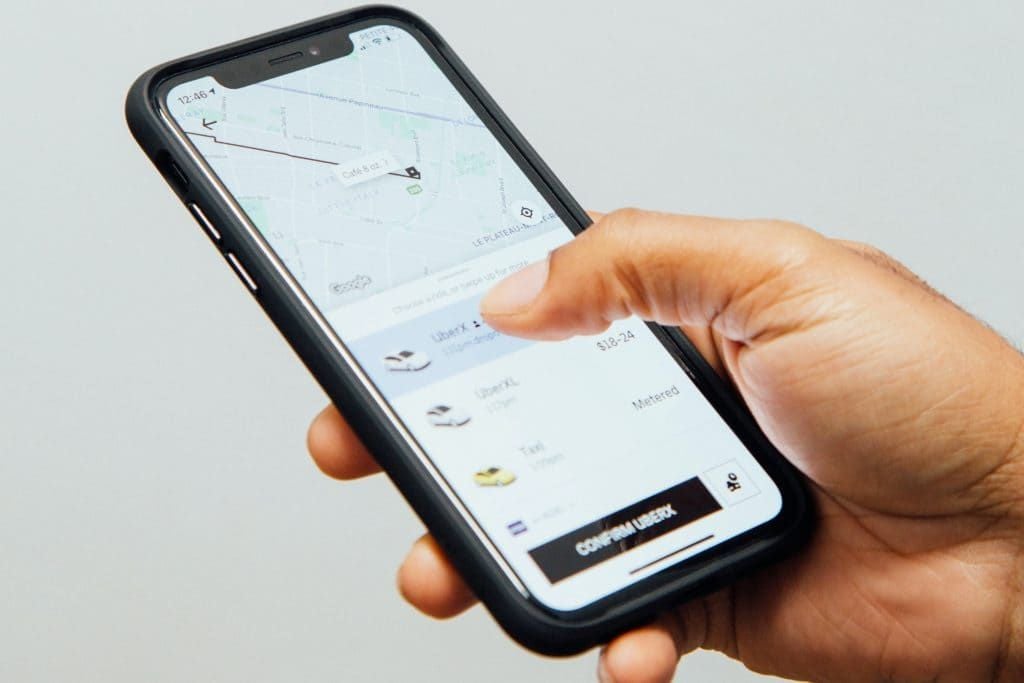
The ride booking system operates with an intuitive design which lets users book their rides when they want to travel. Open the application and the first thing you will see is a message that asks you about your destination. Type in your precise destination address or select an address from existing popular places. Just type in where you want to go, and the app pulls up a map that shows where you are and all the ride options nearby. Maybe you just need a regular UberX, or you want a little more space with Uber Comfort. Got a crowd? Go with UberXL. It’s easy to find a car that suits your plans and wallet. Before you book, you’ll see exactly what the ride will cost and how long it’ll take for your driver to get to you. It makes planning your trip a breeze—no surprises, just a clear idea of when to be outside.
Step 3: Navigating the Journey
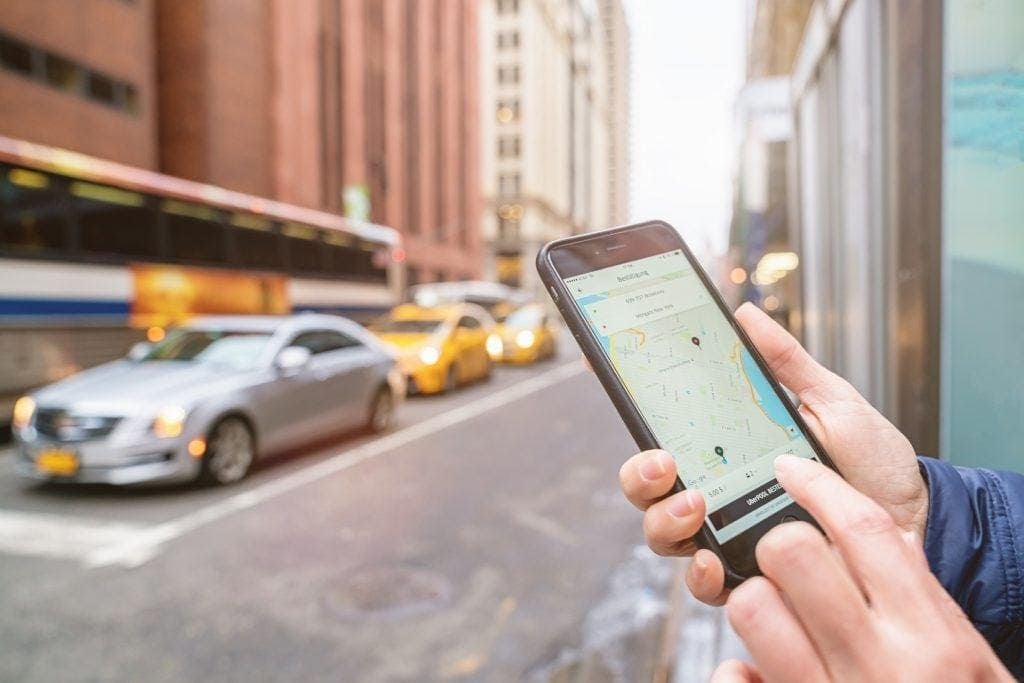
You can monitor your driver’s location from the moment you call for a ride. The application will display essential information about the driver which includes their name and their photograph and the details of the vehicle including its make and model and license plate number. For your personal safety it's advised to always verify this with your driver before you enter the car, once you're inside you just have to relax. Uber has implemented new passengers safety and comfort functions that let's you share the live journey status to any of your friends, and family through the app. Your chosen destination is already present in the driver's GPS, so there's no need to worry about explaining each street or turn to him, only if you would like to guide him along a different way.
Step 4: Completing Your Trip
The experience of using the service becomes more impressive because of its ability to deliver smooth operations from the beginning to the end of the customer journey. Since the payment method is already added to your account you don't need to take out money, or wait for a card payment to proceed. Just say thanks and step out the car at your destination, you're all set. The application will send you a digital receipt shortly after your trip ends while it prompts you to evaluate your experience with a five-star rating system. You will also be given the option to leave a digital tip to show appreciation for excellent service. The platform maintains its high-quality standards and safe environment through driver evaluations which need to happen at regular intervals by users.
Conclusion
To sum it up, getting started with Uber just takes minutes to save you a life of convenient transportation. When you understand how to use this app efficiently and to its fullest of possibilities in order to call the best suited car for your traveling purpose and have it take you where you wish with complete security, you won't want to get anywhere else, using any other car than Uber. Get it now, and see how safe and easy it is.