



Amazon Prime Video
 4.1
4.1
 Sign-up and login
Users need to register an Amazon account on Amazon's official website and then log into Amazon Prime Video software.
 Browse and search
In the main interface of the software, users can browse different categories and recommended content, and can also enter keywords through the search box to find specific film and television works.
Select and play
After the user clicks the film and television works that he wants to watch, he can choose the appropriate picture quality and playback source to play. In the playback process, users can also pause, fast forward, fast back and other operations.
Personalized Settings
Users can customize the interface, subtitles, sound effects, etc. of the software according to their preferences and needs.




























Recommended Articles
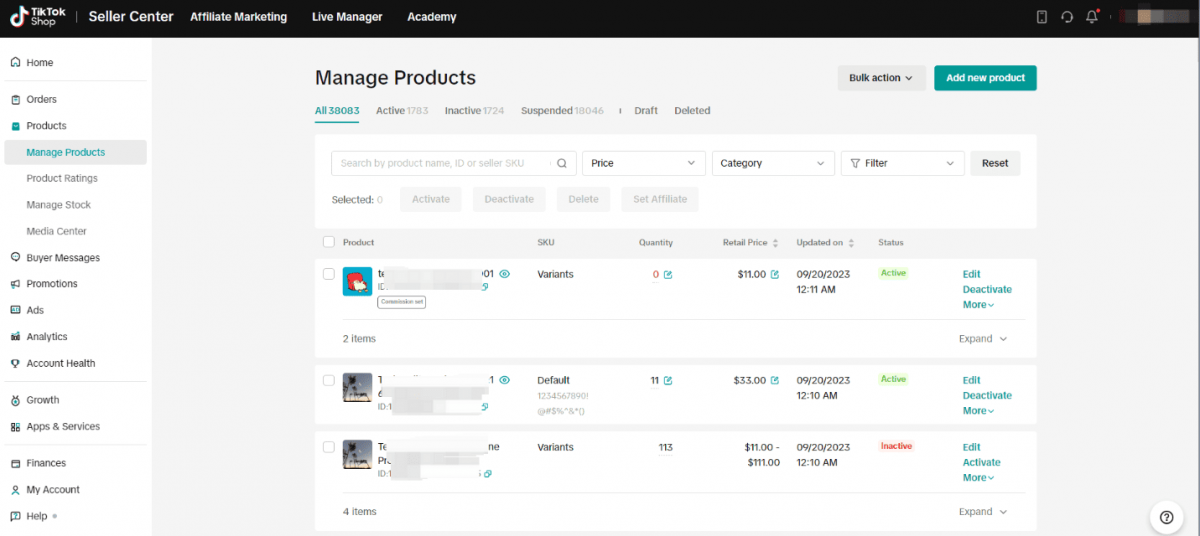
11 Answers Every Merchant Needs on TikTok Shop Seller Center Performance Analytics
TikTok Shop Seller Center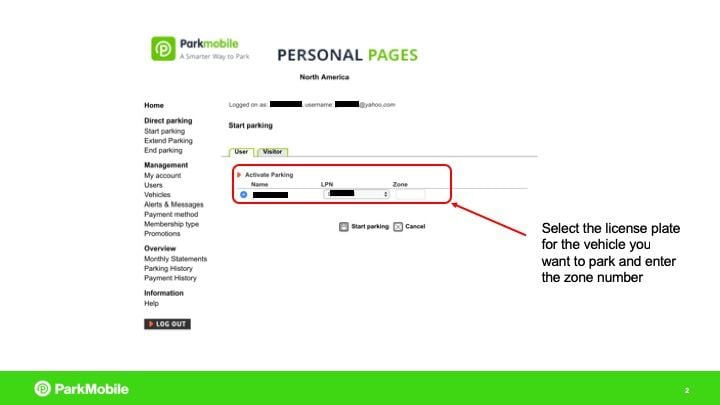
What If I Want to Manage My ParkMobile Account?
ParkMobile
How to Add Contacts on Zangi Private Messenger: A Complete FAQ Guide
Zangi Private Messenger