VeryFit
 4.3
4.3
Connect the device
After opening the VeryFit app, pair the device with the smart band or watch according to how it is paired.
Set personal information
In the VeryFit app, users need to set personal information, such as height, weight and gender. This information will be used to calculate calorie expenditure and set health goals.
View health data
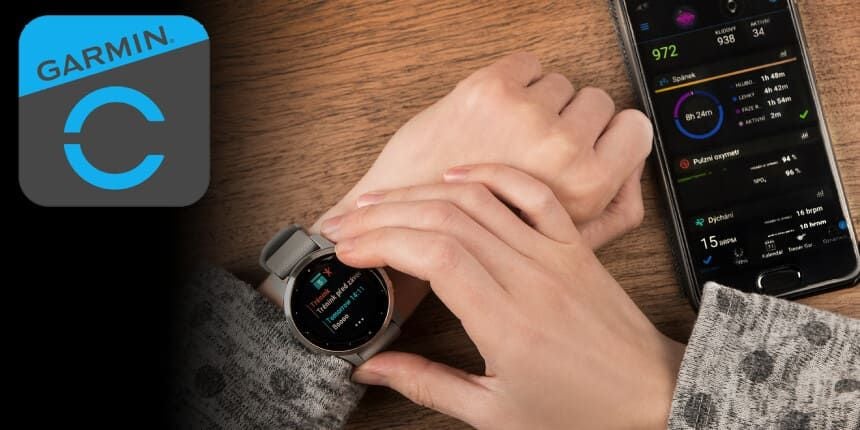
On the homepage of the VeryFit app, users can view health data such as step count, calories consumed, heart rate data and sleep quality. Users can view detailed data reports and analyses by swiping the screen or clicking on the corresponding function icon.
Set up reminder function
On VeryFit app, users can set up call reminder, SMS reminder, alarm clock reminder and sedentary reminder. Users can set it according to their needs and preferences.