
REDnote
 4.9
4.9
Exploring content
The home page has a feed of content similar to your interests. You are scrolling through posts, videos and articles. Use the search bar to look for specific types of content, users, or topics.
Interacting with Content
You can like posts by tapping on the heart icon and comment by selecting the comment icon below the post. Tap the share icon to share posts with your friends on social media or via messaging apps. Bookmark what you like to save them for later.
Shopping on REDnote
Click the “Mall” tab to view, and shop for, products recommended by the REDnote community. Search for specific products or brands in the search bar. Click the ”Add to Cart” button to save products to purchase later. You then proceed to checkout and finish your purchase.
































Recommended Articles

Mastering Uber: Hailing a Ride Has Never Been Easier
Uber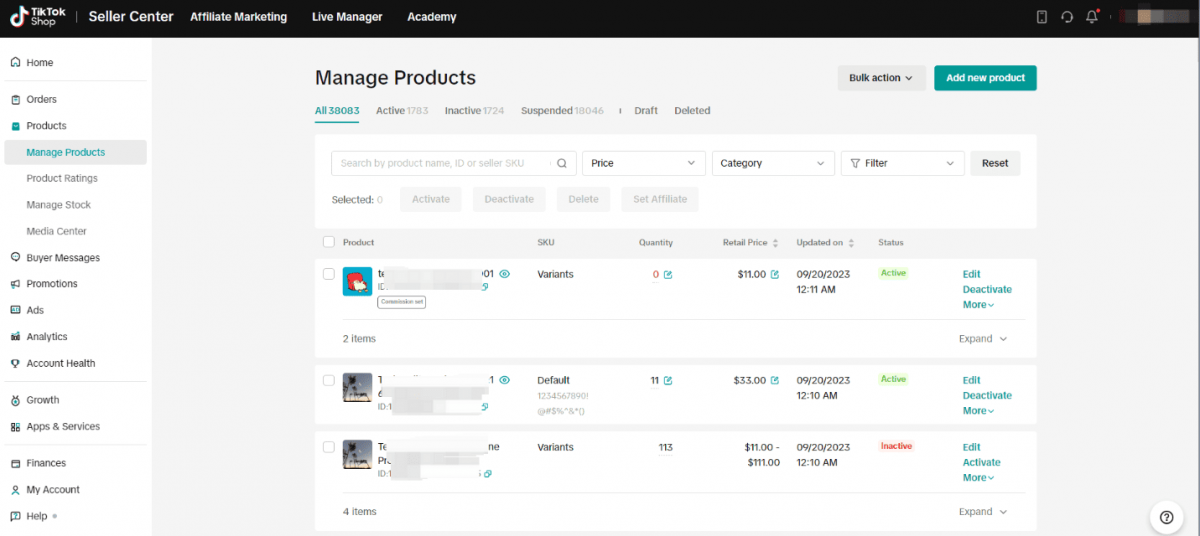
11 Answers Every Merchant Needs on TikTok Shop Seller Center Performance Analytics
TikTok Shop Seller Center
How to Add Contacts on Zangi Private Messenger: A Complete FAQ Guide
Zangi Private Messenger